
Photoflare
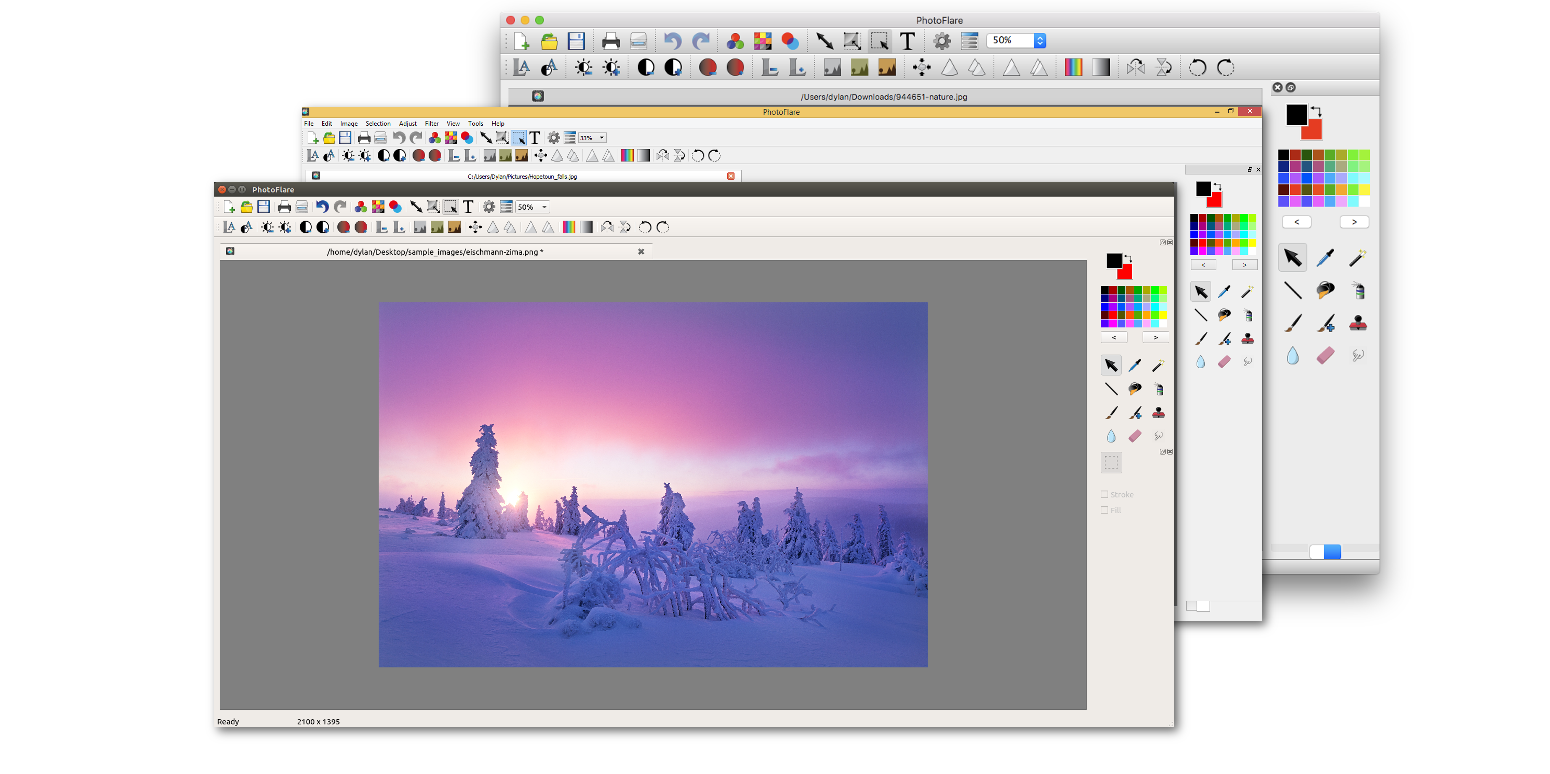
An in-depth review of the Photoflare image editor for Linux, detailing its batch processing features, filters, and effortless photo editing tools.
Imagine you have a folder containing dozens of photos that all need to be cropped, rotated, and resized before you can upload them to your website. Opening a massive, resource-heavy graphics suite just for these basic adjustments feels counterproductive, yet simple viewers lack the power you need. This is exactly where the Photoflare image editor steps in, offering Linux users a perfect balance between speed and functionality.
What is the Photoflare Image Editor?
Developed by the Photoflare Developers, this open-source application brings fast, simple, and powerful image editing to the desktop. Inspired by the popular Windows utility PhotoFiltre, the team built this software from the ground up to be a modern, cross-platform alternative. It avoids the steep learning curve of complex professional software while providing far more utility than basic image viewers.
Key Features of the Photoflare Image Editor
Despite its lightweight footprint, this utility packs a robust set of features designed to handle everyday creative tasks efficiently:
- Quick Cropping and Transformations: Easily crop, scale, rotate, and flip images with intuitive, precise controls.
- Creative Visual Filters: Access a wide variety of unique image filters to instantly alter the mood, color balance, and style of your graphics.
- Powerful Batch Processing: Automate your workflow by applying edits, resizing, or filters to hundreds of photos simultaneously.
- Multi-Language Support: The interface is fully translated into multiple languages, making it accessible to a global audience.
Who is This App For?
The Photoflare image editor is ideal for content creators, web editors, and casual photographers who need to perform rapid adjustments without system lag. If you frequently find yourself performing repetitive tasks like resizing batches of screenshots or applying consistent color corrections, the built-in batch processing engine will save you hours of manual labor.
Editorial Verdict
By focusing on simplicity without sacrificing essential tools, the development team has created an incredibly practical utility for the Linux ecosystem. It fills a crucial gap for users who want something more advanced than a basic paint tool but more streamlined than heavy industry-standard software. To experience this streamlined workflow yourself, visit the official Flathub store page to explore and install the application on your system.