
ChatGPT Desktop App
Read our comprehensive review of the official ChatGPT Windows desktop application. Discover how OpenAI's AI assistant streamlines your daily workflow.
A Seamless AI Assistant Right on Your Desktop
The official ChatGPT Windows assistant brings OpenAI’s powerful language models directly into your daily workspace. Instead of keeping a browser tab constantly open, this native desktop integration allows you to call upon artificial intelligence with a quick keystroke. It changes how you interact with your PC, making research, writing, and coding feel like a natural extension of your operating system.
Key Features of the ChatGPT Windows Desktop App
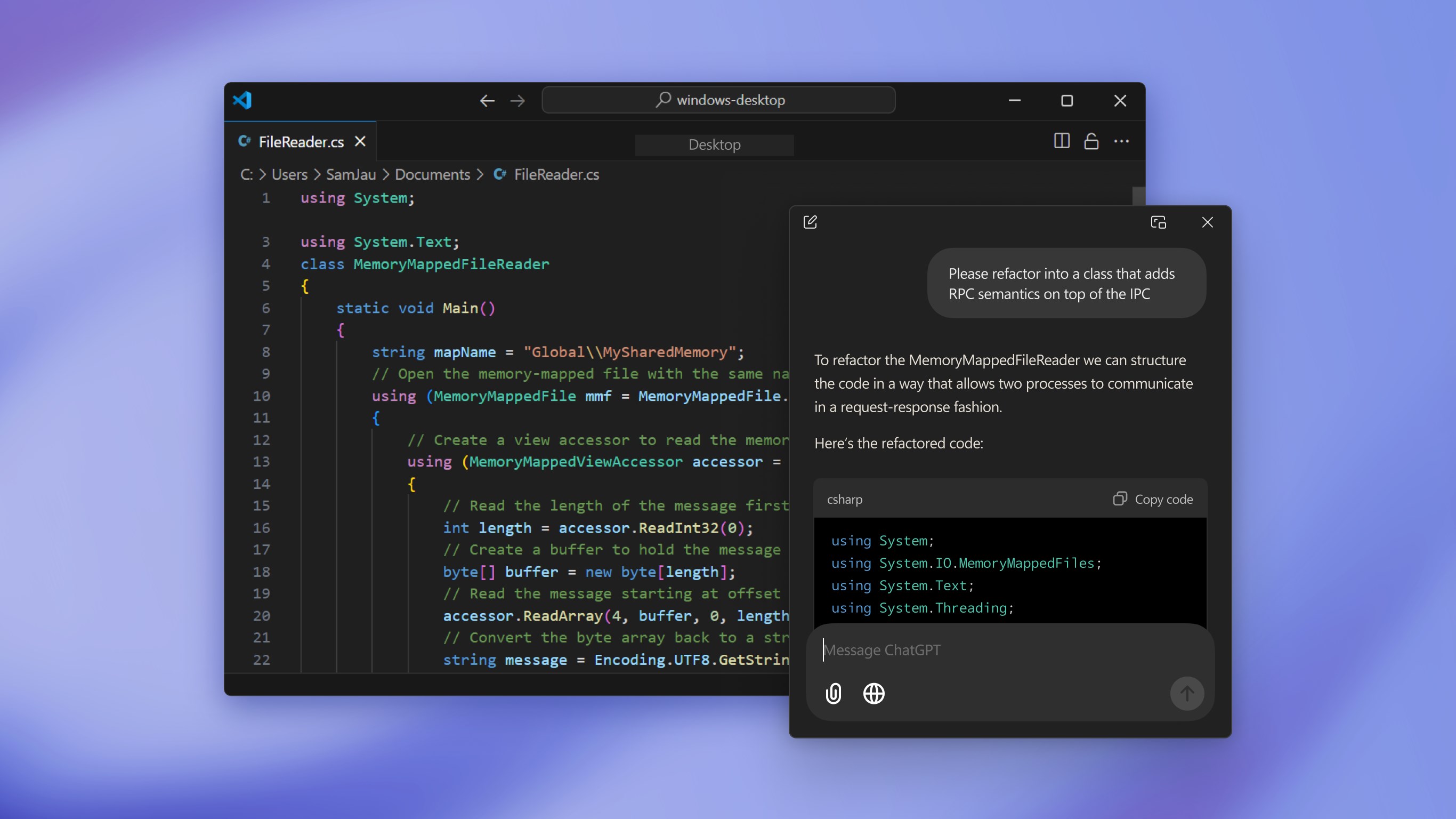
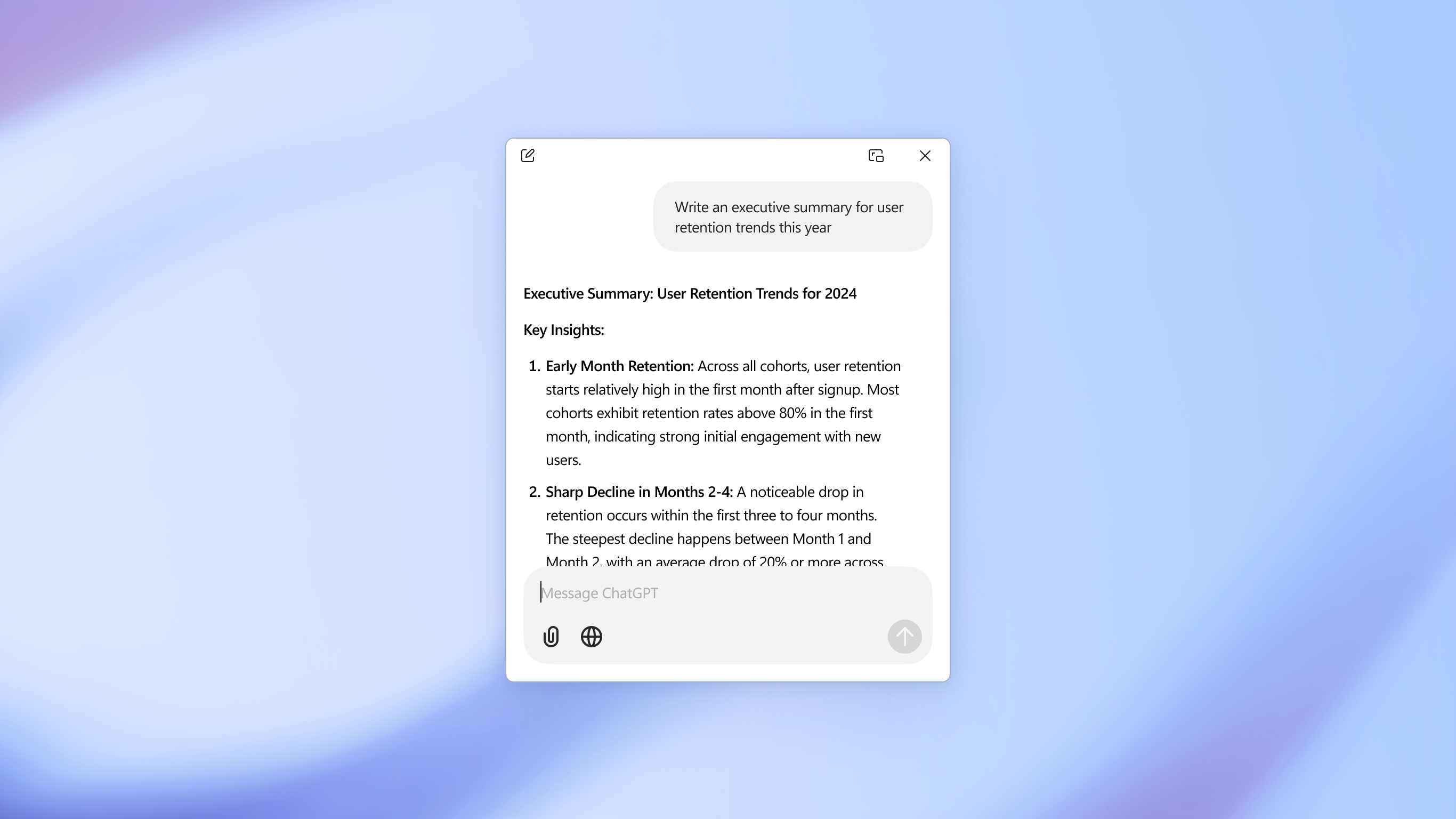
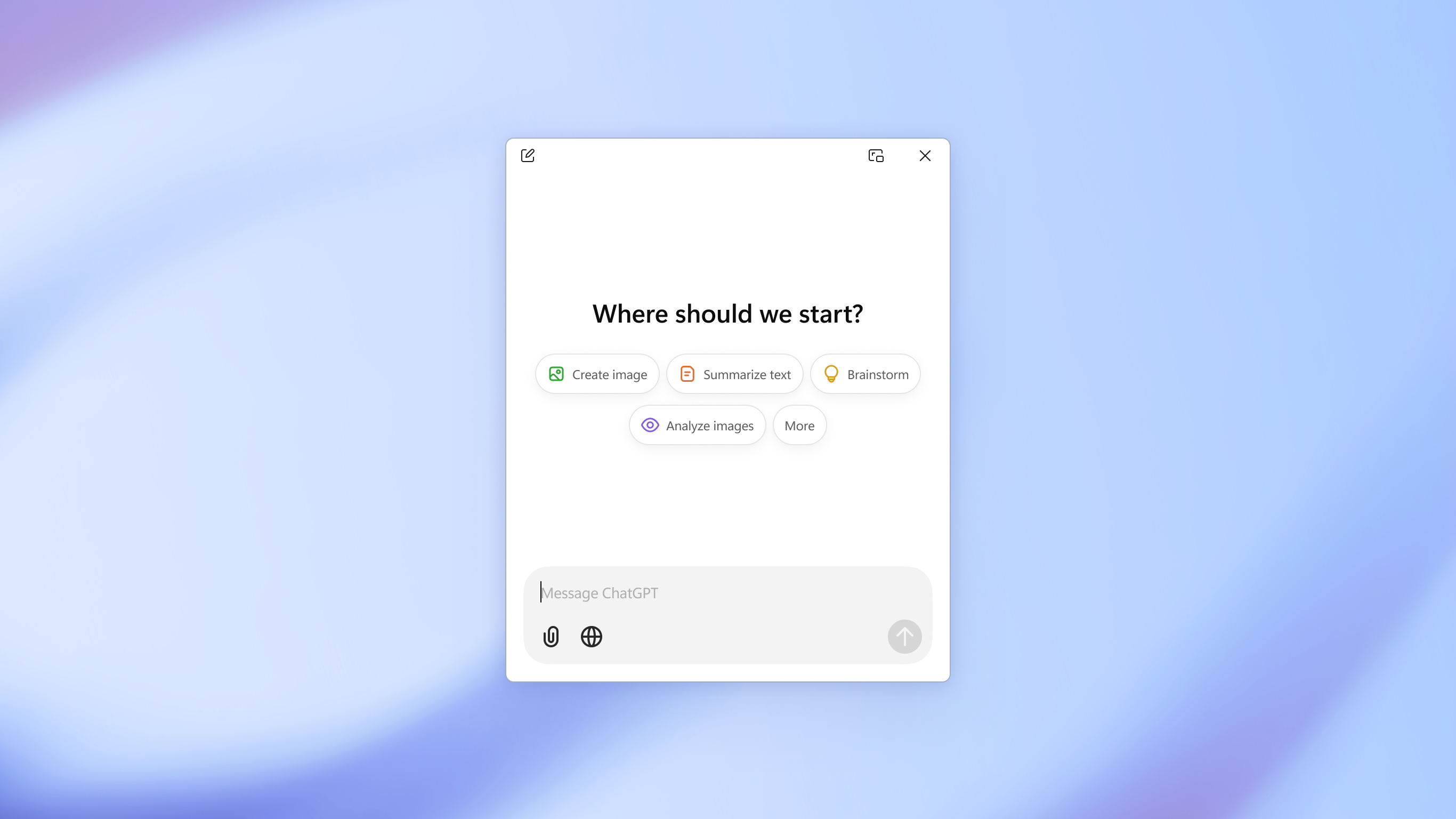
- Instant Workspace Access: Trigger the companion bar instantly using the
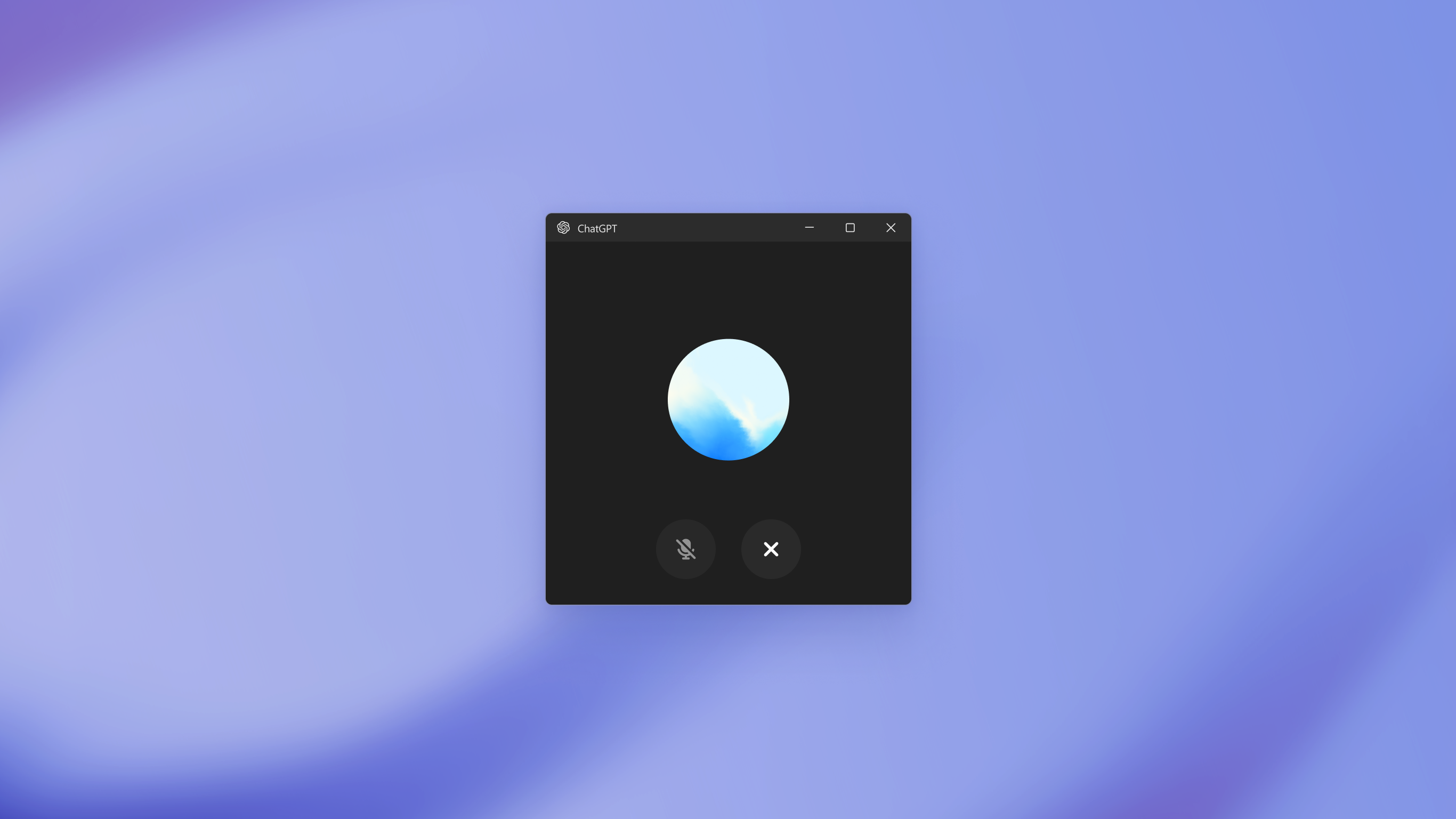
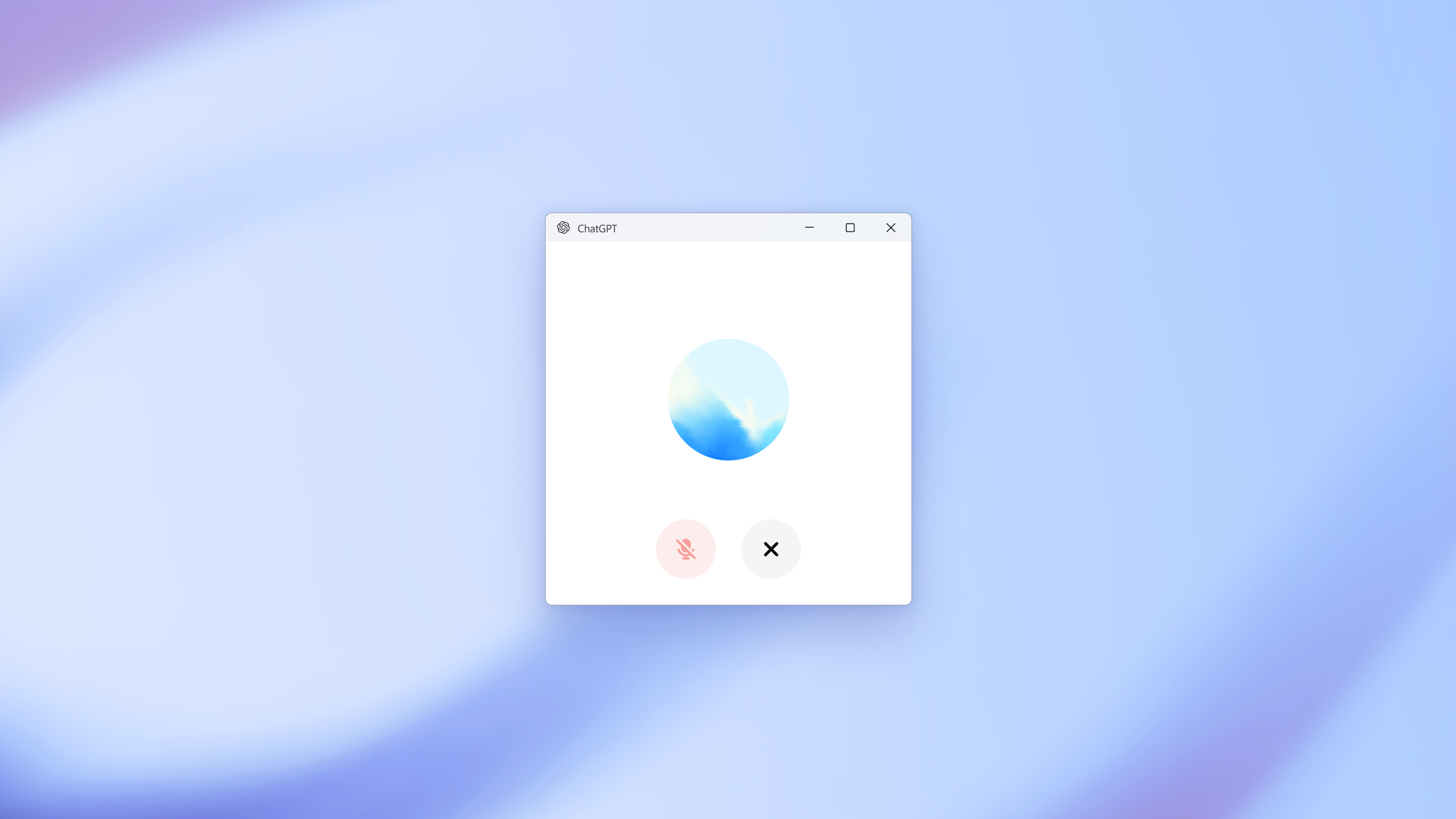
[Alt + Space]hotkey to ask questions without disrupting your current task. - Advanced Voice Mode: Speak directly to your computer for hands-free brainstorming, real-time translations, or interactive learning.
- Interactive Canvas: Collaborate on long-form writing projects and complex coding tasks with a dedicated editing interface.
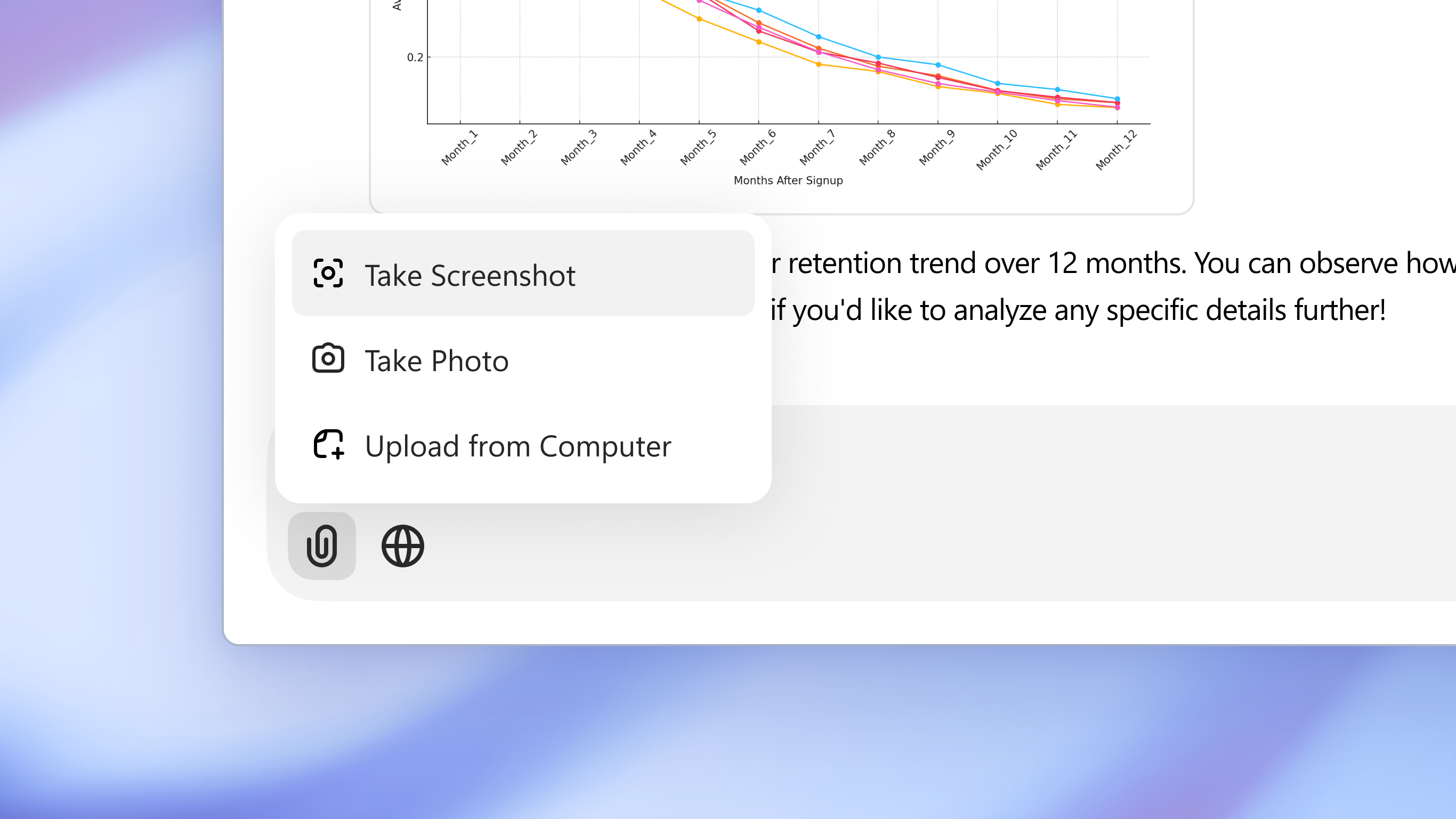
- Visual Context: Take screenshots instantly or upload documents and photos to get rapid analysis and summaries.
Enhancing Professional and Creative Workflows
For professionals, the ChatGPT Windows assistant acts as an on-demand editor and strategist. You can feed it complex business documents for summarization, draft marketing copy, or debug code side-by-side with your IDE. On the creative side, the built-in DALL•E integration lets you generate customized imagery and greeting cards on the fly, making it a highly versatile addition to the Windows environment.
Is It Right For You?
If you find yourself using web-based AI tools multiple times a day, transitioning to this dedicated desktop environment is a major upgrade. It minimizes context switching and keeps your workspace organized. To experience this streamlined workflow yourself, head over to the official Microsoft Store to download the application for your PC.